
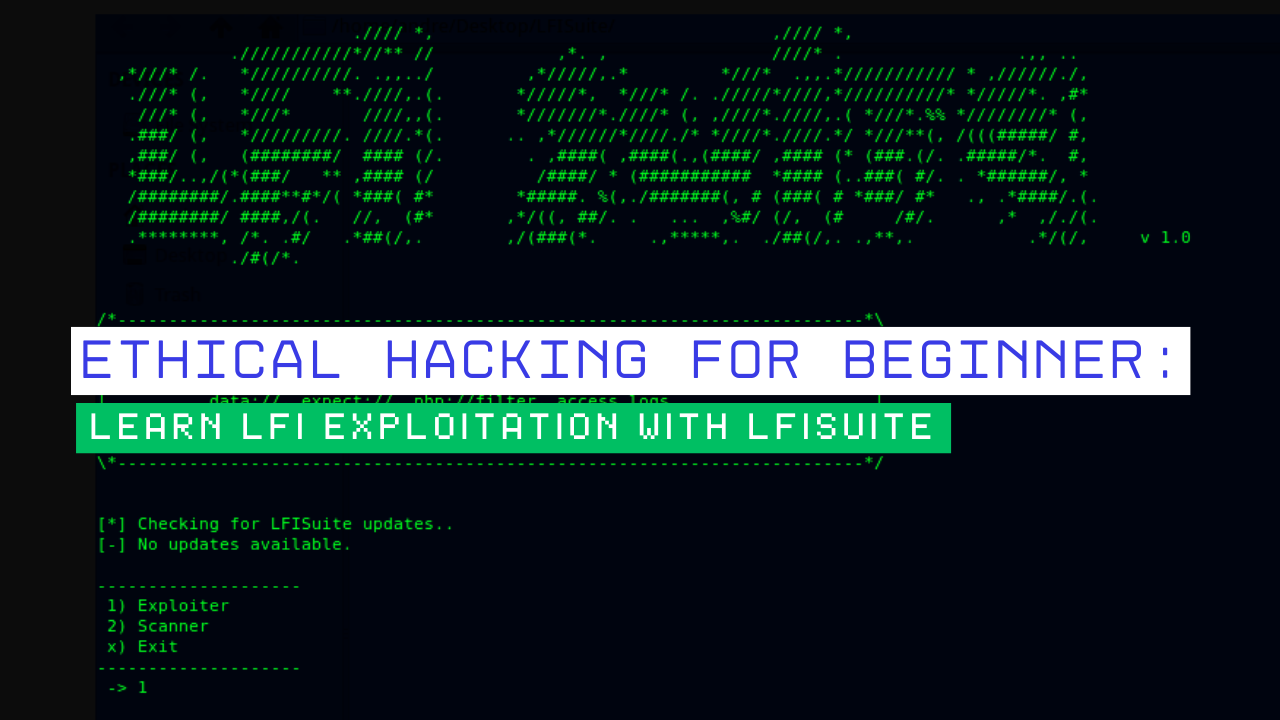
Welcome, aspiring ethical hackers! You’re taking your first steps into the fascinating world of cybersecurity, and we’re thrilled to guide you. One of the fundamental vulnerabilities you’ll encounter is Local File Inclusion (LFI). In simple terms, LFI allows attackers to potentially view sensitive files on a web server that they shouldn’t have access to. While this might sound intimidating, understanding and identifying LFI is a crucial skill in your ethical hacking toolkit.
In this step-by-step guide, we’ll introduce you to LFISuite, a powerful yet beginner-friendly tool designed to help you scan for and understand LFI vulnerabilities. Remember, the goal of ethical hacking is to learn about these weaknesses so we can better protect systems. Never use this knowledge for illegal or malicious activities.
What is Local File Inclusion (LFI)?
Before we dive into LFISuite, let’s break down what LFI actually is. Imagine a website that displays content based on a parameter in the URL. For example:
www.example.com/index.php?page=home.phpHere, the page parameter tells the server which file to include and display. An LFI vulnerability occurs when an attacker can manipulate this parameter to include files outside of the intended directory. Instead of home.php, they might try something like:

www.example.com/index.php?page=../../../../etc/passwdIf the website is vulnerable, this could potentially expose the server’s password file (in a Linux environment). LFI can lead to serious security breaches, including:
- Sensitive Information Disclosure: Accessing configuration files, database credentials, and other confidential data. Code
- Execution (in some cases): By including malicious files, an attacker might be able to execute arbitrary code on the server.
Introducing LFISuite: Your Beginner-Friendly LFI Tool
Now that you understand the basics of LFI, let’s meet our tool: LFISuite. This open-source Python tool is specifically designed to help you automate the process of finding and exploiting LFI vulnerabilities. Here’s why it’s great for beginners:
- Ease of Use: LFISuite has a straightforward command-line interface, making it easy to learn and use.
- Automation: It automates the process of sending various payloads to identify potential LFI flaws.
- Payload Variety: LFISuite comes with a collection of common LFI payloads, saving you the effort of manually creating them.
- Customization: While beginner-friendly, it also offers options for more advanced users to customize their scans.
Step-by-Step Guide: Learning LFI Exploitation with LFISuite
Let’s get practical! Here’s a step-by-step guide on how to use LFISuite to learn about LFI vulnerabilities.
Step 1: Setting Up LFISuite
First, you’ll need to have Python installed on your system. LFISuite is typically available on platforms like GitHub. You can usually install it using pip (Python’s package installer).
Bash
git clone [LFISuite repository URL]
cd LFISuite
(Replace
[LFISuite repository URL]with the actual URL of the repository)
3. Install any required dependencies (if mentioned in the repository’s documentation): This might involve running a command like:
Bash
pip install -r requirements.txtStep 2: Understanding LFISuite Syntax
Before running a scan, it’s important to understand the basic syntax of LFISuite. The general command structure usually looks something like this:
Bash
python lfisuit.py -u <target_url> [options]
-uor--url: This is where you specify the URL of the website you want to test for LFI. Make sure this URL contains a parameter that you suspect might be vulnerable (likepage,file,include, etc.).[options]: These are various flags you can use to customize your scan, such as specifying the vulnerable parameter, using a specific payload list, and more. You can usually see all available options by running: Bashpython lfisuit.py -h
Step 3: Identifying a Potential LFI Vulnerability
To use LFISuite effectively, you first need to identify a URL that might be vulnerable to LFI. Look for URLs with parameters that seem to be including files, as shown in our earlier example.
Step 4: Running Your First LFISuite Scan
Let’s say you’ve found a target URL like:
www.example.com/index.php?file=home.html
To scan this URL using LFISuite, you might use a command like:
Bash
python lfisuit.py -u "www.example.com/index.php?file=home.html" -p file
-p file: This tells LFISuite that the vulnerable parameter is namedfile.
LFISuite will then start sending various payloads to this URL, attempting to include different files on the server. The output will show you the responses it receives. Look for responses that indicate successful file inclusion (e.g., content of /etc/passwd in a Linux environment).
Step 5: Analyzing the Results
LFISuite will present you with the results of its scan. Pay close attention to the responses. If you see content that shouldn’t be publicly accessible (like system files or configuration details), it indicates a potential LFI vulnerability.
Step 6: Trying Different Payloads (Optional but Recommended for Learning
LFISuite often has options to use different payload lists or even specify custom payloads. Experimenting with these can help you understand how different LFI techniques work, such as:
- Directory Traversal: Using
../sequences to navigate up the directory structure. - Null Byte Injection (in older systems): Sometimes appending
%00could terminate the file path prematurely. - Path Truncation: Exploiting limitations in how file paths are handled.
Refer to LFISuite’s documentation for information on how to use different payload options.
Important Ethical Considerations
As an ethical hacker, it’s paramount to remember that you should only use these techniques on systems you have explicit permission to test. Unauthorized scanning or exploitation is illegal and unethical. Set up your own vulnerable testing environment (like a virtual machine with a deliberately vulnerable web application) to practice safely and legally.
Further Learning and Resources
This is just the beginning of your ethical hacking journey! To deepen your understanding of LFI and web security, consider exploring these resources:
- OWASP (Open Web Application Security Project): A fantastic resource for learning about various web vulnerabilities, including LFI.
- PortSwigger Web Security Academy: Offers interactive labs and detailed explanations of web security flaws.
- Other Ethical Hacking Tools: Explore tools like Burp Suite for more in-depth web application testing.
- Online Courses and Certifications: Consider enrolling in ethical hacking courses to gain a more structured understanding.
Conclusion – Encouraging the Beginner
Congratulations on taking your first steps in learning about LFI exploitation with LFISuite! Remember that consistent practice and a commitment to ethical principles are key to becoming a successful ethical hacker. Keep exploring, keep learning, and always use your knowledge responsibly to make the digital world a safer place.